Introduction
Dran Admin Cleaner (DAC) is a WordPress plugin that helps you create a cleaner, simpler, and safer WordPress admin experience for clients and other users.
Instead of replacing WordPress permissions or changing the existing role and capability system, DAC focuses on two things:
- Controlling what users see in the WordPress admin area.
- Restricting access to selected admin pages when needed.
This makes DAC useful for agencies, freelancers, developers, and site owners who want to simplify WordPress administration without modifying core files or rebuilding the way WordPress permissions work.
What Dran Admin Cleaner Does
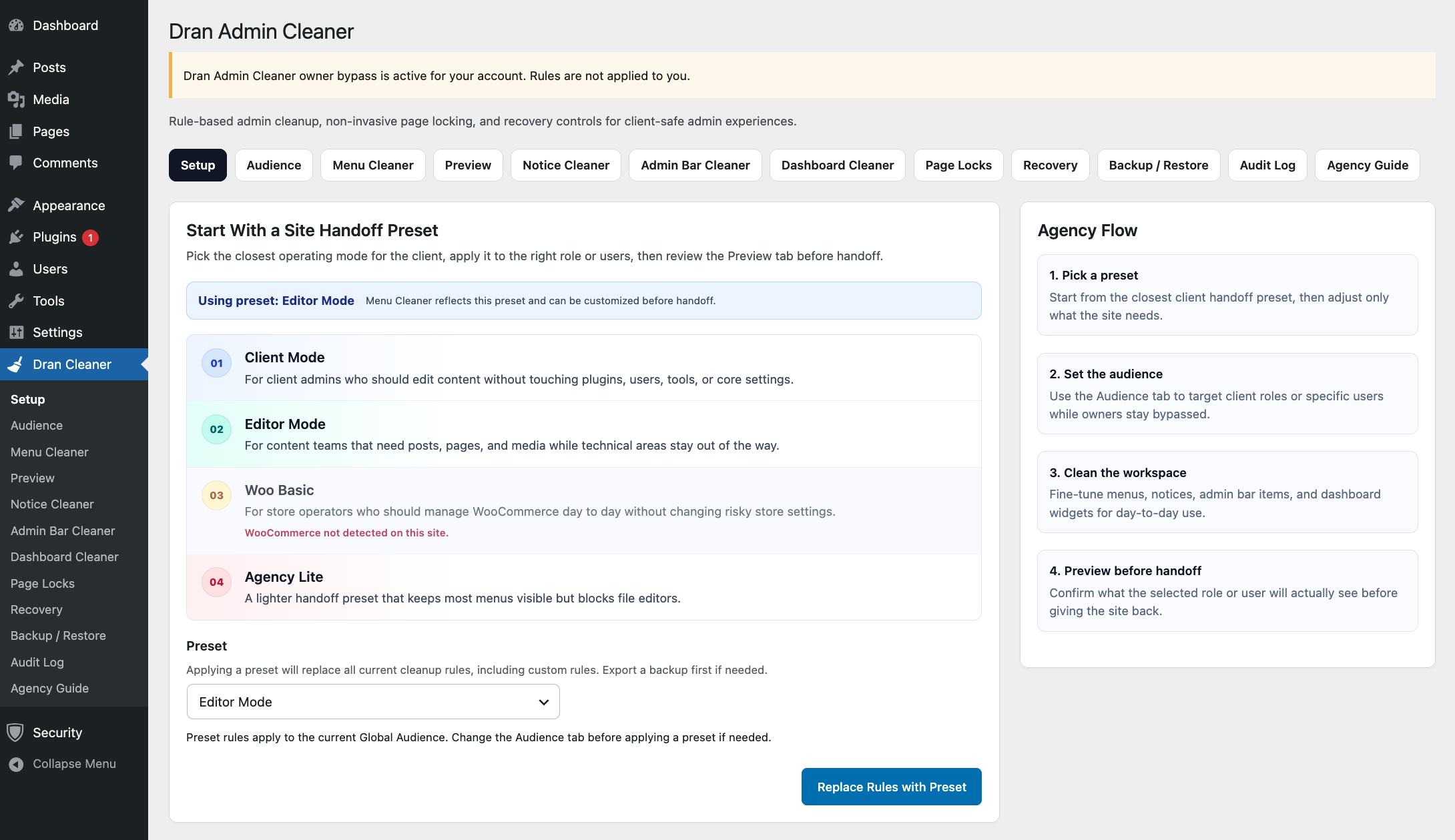
Dran Admin Cleaner gives you one place to customize the WordPress admin experience for selected roles and users.
With DAC, you can:
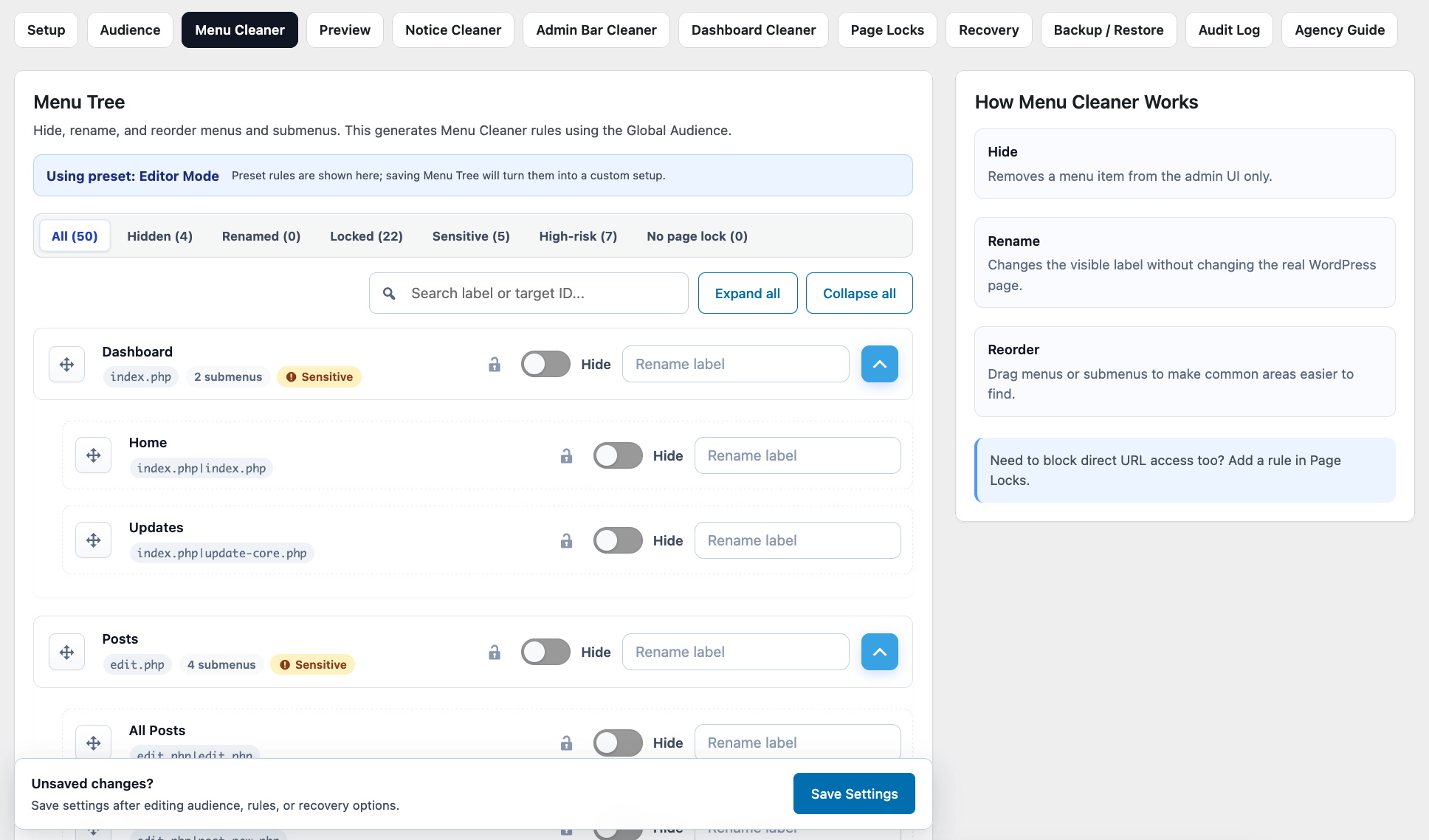
- Hide, rename, and reorder WordPress admin menu items.
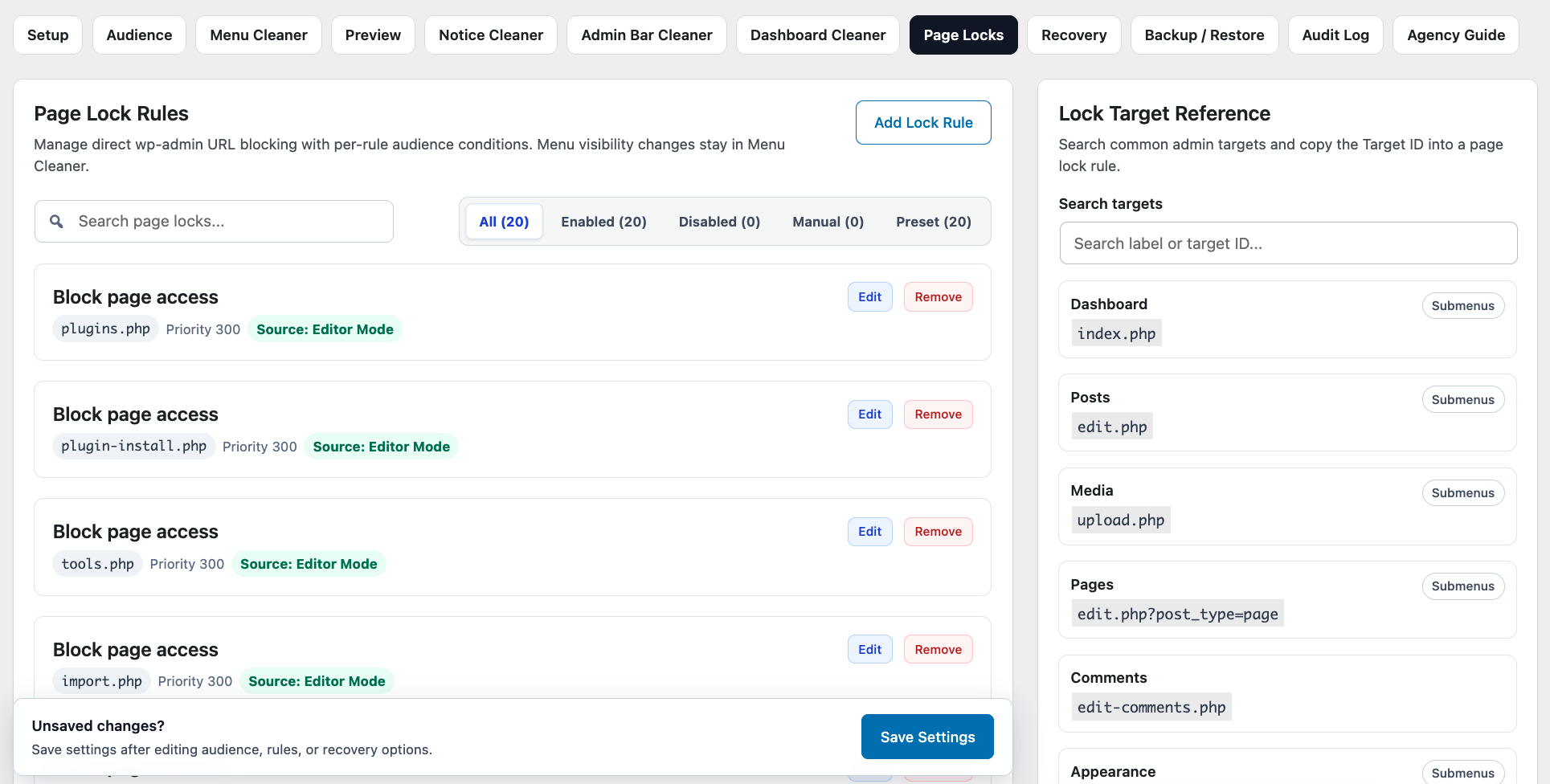
- Restrict access to selected admin pages with Page Locks.
- Hide unnecessary dashboard widgets.
- Reduce unwanted admin notices.
- Remove selected items from the WordPress admin bar.
- Apply configurations to specific roles or individual users.
- Preview how the admin area will appear to the selected role.
- Back up, restore, import, and export your configuration.
- Review configuration changes through the Audit Log.
DAC also includes safety mechanisms such as Owner Bypass, Recovery Mode, and Safe Mode to reduce the risk of locking yourself out while configuring the admin area.
What Dran Admin Cleaner Does Not Do
DAC is not a replacement for the WordPress roles and capabilities system.
For example, hiding a menu item only removes it from the admin interface. It does not remove the user's underlying WordPress capability and does not necessarily prevent direct access to the page.
When an admin page must actually be restricted, use Page Locks instead of relying on menu visibility alone.
DAC also does not modify WordPress core files. Its customizations are applied through WordPress APIs and hooks, allowing WordPress and other plugins to continue operating normally.
A Simple Example
Imagine you manage a WordPress website for a client who only needs to:
- Edit pages.
- Publish posts.
- Manage media.
- Review form submissions.
The default WordPress admin area may still show menus for plugins, themes, tools, settings, dashboards, and other features the client rarely or never needs.
With Dran Admin Cleaner, you can simplify that experience by keeping the areas relevant to the client's daily work visible while hiding unnecessary administration tools.
Your own administrative access can remain available separately.
Designed for Client Handoff
DAC is especially useful when handing a completed WordPress website over to a client.
You can prepare a cleaner admin interface for everyday use while keeping maintenance and administrative tools available to the users who need them.
The goal is not to replace WordPress administration. It is to make the admin area easier to understand and safer to use by showing each user what is relevant to their work.
Where to Go Next
If this is your first time using Dran Admin Cleaner, continue with:
- Requirements — check that your WordPress environment is supported.
- Installation — install and activate Dran Admin Cleaner.
- Quick Start — create your first configuration.
For detailed information about individual tools and settings, see the Features section of the documentation.